
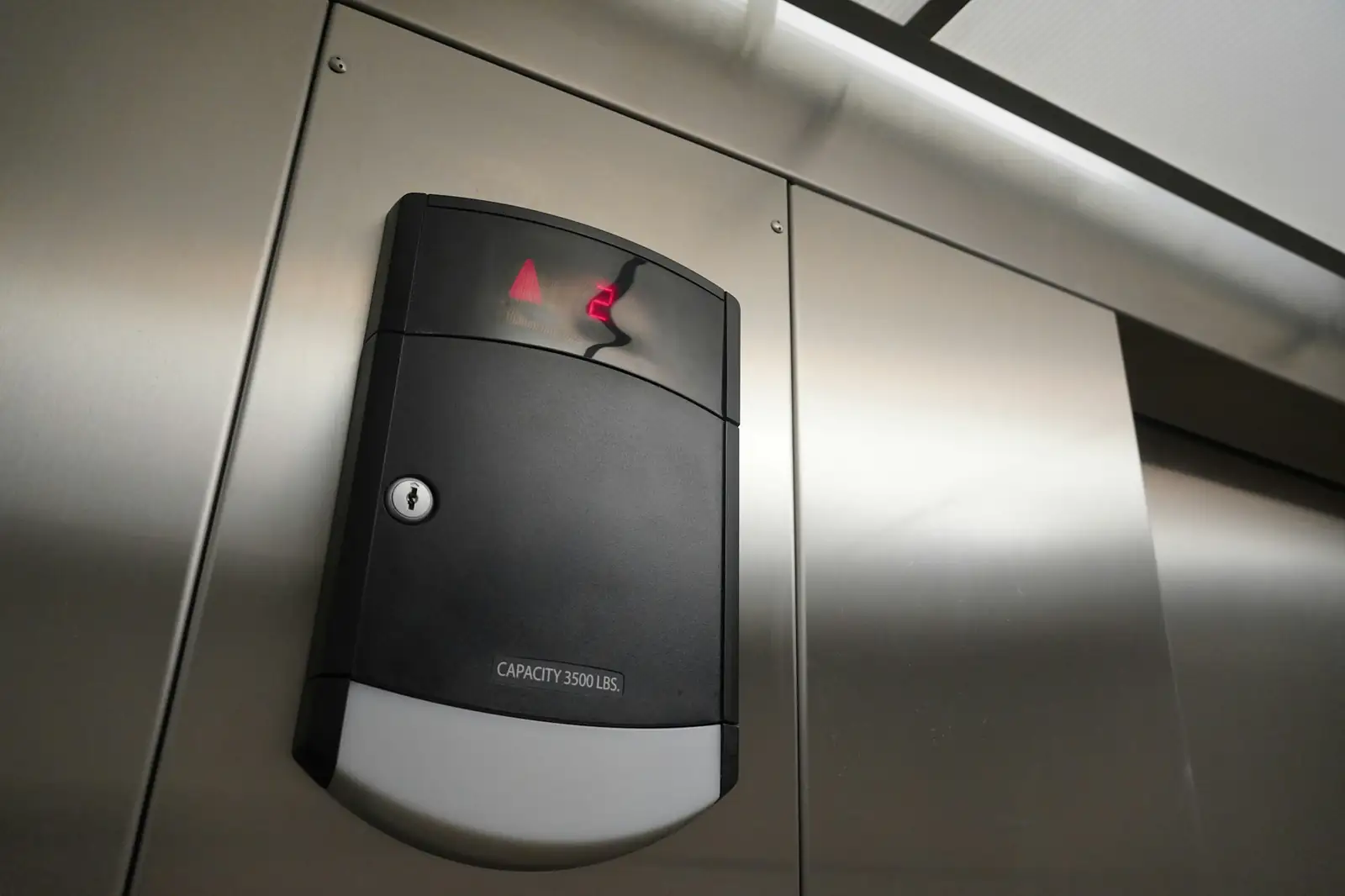
Managed Access Control for Toronto and GTA Buildings
You decide who gets in. We run the system that makes it happen: adding and removing fobs, setting door schedules, unlocking doors remotely and responding to door alarms around the clock. No server in your closet and no staff time spent on the software.
- Fobs, cards and mobile credentials managed for you
- Door alarms and forced entries watched 24/7
- Works with most existing readers and panels
What is managed access control?
Access control without the admin work
Managed access control is a service where a security provider runs your building's door access system for you. The provider hosts the software, adds and removes credentials, sets schedules, monitors door alarms and keeps the system updated, while you keep ownership of the data and approve who has access.
Employees start and leave, contractors come for a week, tenants change units. Every change is a fob to issue or cancel. When nobody owns that job, lost fobs stay active and doors stay unlocked on holidays. We take the job over and keep a record of every change.
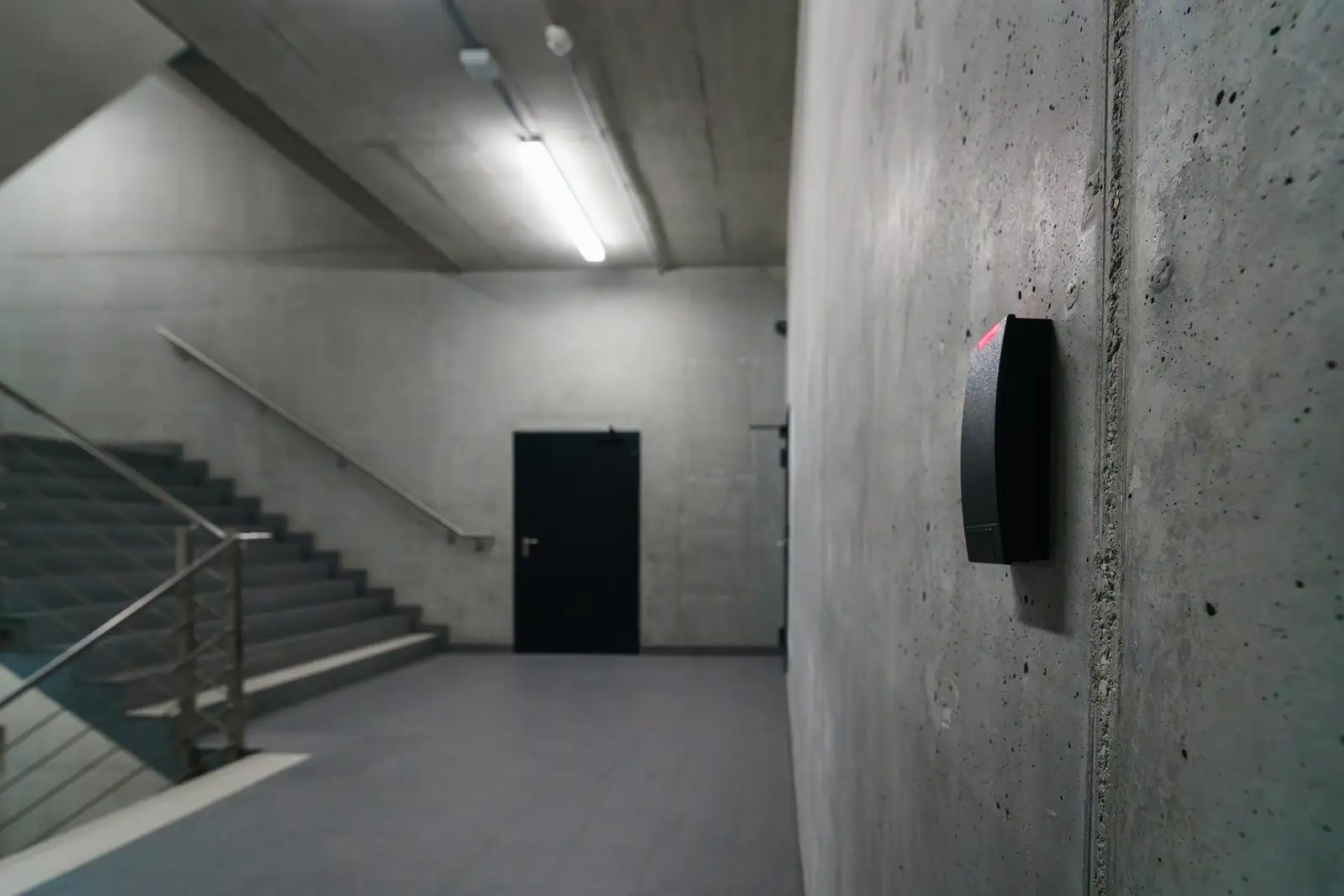
How it works
How managed access control works
Setup and integration
We connect your existing doors, readers and panels to a secure cloud platform, replacing only what cannot connect.
Access rules
We set access levels and schedules for staff, tenants, cleaners and vendors, matched to how your building runs.
24/7 monitoring
Forced doors, doors held open and repeated denied attempts come to our operators, who check the cameras.
Ongoing changes
Send us a request and we add, change or cancel credentials, usually the same business day.
Reporting
You get access logs and event summaries for audits, investigations and insurance.
Choose your model
Fully managed or co-managed
Every business runs differently, so there are two ways to work with us.
Fully managed
We handle everything: credentials, permissions, schedules, monitoring and reports. You approve changes and keep ownership of the data and full visibility.
Co-managed
Your team issues and cancels fobs day to day. We handle the platform, alarms, maintenance and after-hours support.
Both models include 24/7 operator support for door alarms, lockouts and remote unlocks.
Keys vs. managed access
Why buildings move away from keys and self-run systems
| Keys or self-run system | Managed access control | |
|---|---|---|
| Lost or stolen credential | Rekey the locks, or hope someone cancels the fob | Cancelled the same day, logged |
| Who entered and when | Unknown, or buried in software nobody opens | Full log with camera footage on request |
| Door forced or held open | Nobody notices until morning | Operator alerted and checks the camera |
| Remote unlock for a contractor | Someone drives over | Operator unlocks after verifying on camera |
| Software updates and backups | Your IT, if anyone | Handled by us |
Who it is for
Where managed access makes the biggest impact
From a single office door to multi-building sites, the system scales without adding work for your staff.
Corporate offices
Access by department, floor and schedule, with instant removal when someone leaves.
Condos and property management
Resident fobs, move-ins, amenity rooms and contractor access in one place.
Logistics and warehousing
Secure cages, high-value storage and dock doors on their own rules.
Healthcare and clinics
Medication rooms and records areas restricted and logged.
Government and schools
Traceable access and lockdown-ready door groups.
Industrial sites
Gates, turnstiles and restricted production areas.
Why Supreme Surveillance
Why businesses trust us with their doors
Trained operators
Our team manages multi-site systems with the confidentiality a security company is held to.
24/7 oversight
Door alarms, lockouts and system health alerts are handled around the clock.
Keeps working offline
Doors keep their last schedule and permissions if the internet drops, then sync when it returns.
Works with what you have
Kantech, ButterflyMX, Brivo, HID readers and more. We replace only what cannot connect.
Audit-ready records
Every credential change and door event is logged for policies, insurers and investigations.
One team for doors and cameras
The operator who sees a forced-door alarm can open the camera at that door right away.
Related services
Build a complete security setup
FAQ
Managed access control questions
What does managed access mean?
Managed access means your access control system is hosted, maintained and monitored by a professional security provider. Instead of your staff handling user changes, software updates, system errors and door alarms, a trained team does it for you, around the clock.
How does a managed access control system work?
Your doors, readers and control panels connect to a secure cloud platform. We manage the users and schedules on that platform, monitor door events and alarms in real time, and send you reports. You approve access changes and can see everything yourself.
Can my existing doors and readers work with managed access?
In most cases, yes. We can often keep your card readers, door strikes and wiring and connect them to a cloud controller. If something must be replaced, we plan the upgrade to reuse as much as possible.
Is managed access control better than keys?
Yes, for any building with more than a handful of users. Keys get copied, lost and never returned. Managed access lets you cancel a lost fob immediately, see who used which door and when, avoid rekeying costs and unlock doors remotely for a verified visitor.
Does access control work if the internet goes down?
Yes. Door controllers store the current permissions and schedules locally, so doors keep working normally. Events are stored and sync to the cloud when the connection returns.
What are the four types of access control?
Discretionary access control, where the owner decides who gets in; mandatory access control, based on strict policy levels; role-based access control, where permissions follow job roles; and rule-based access control, where rules such as time of day decide. Most commercial buildings use role-based access with time rules.
What does ACS mean in CCTV?
ACS stands for access control system. In a CCTV setup it means the electronic system that controls and records who enters or leaves an area, often linked to cameras so each door event has video attached.
Free assessment
Get a managed access control quote
Tell us how many doors and users you have and what system is there now. We reply within one business day with a plan and monthly price.
- Toll free1-877-887-7110
- Office905-761-9992
- Emailinfo@supremesurveillance.com